
Use case
LinkedIn Headshot AI — Profile Photos from Selfies
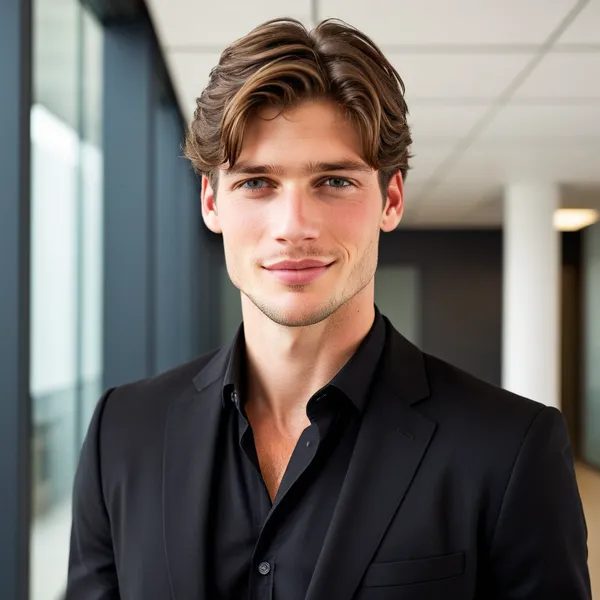
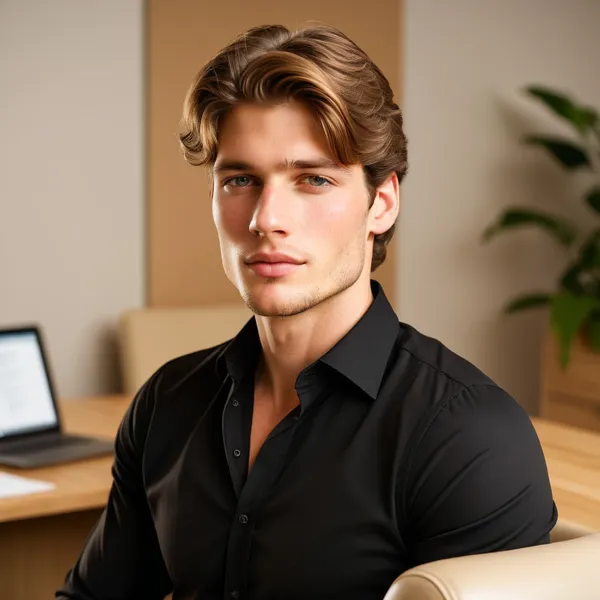
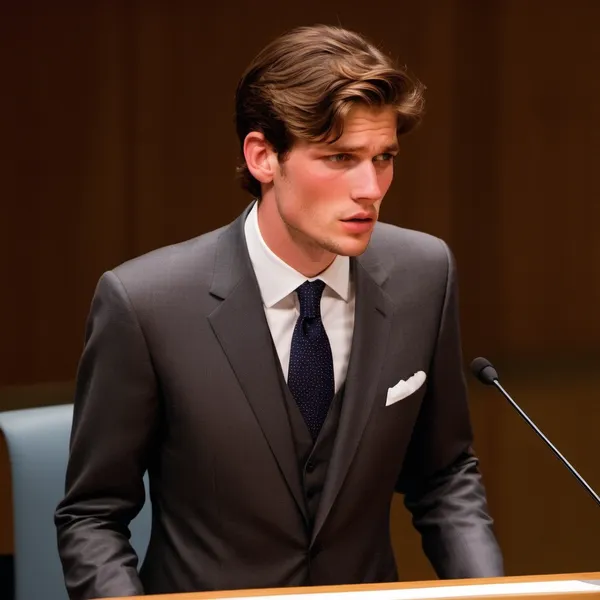
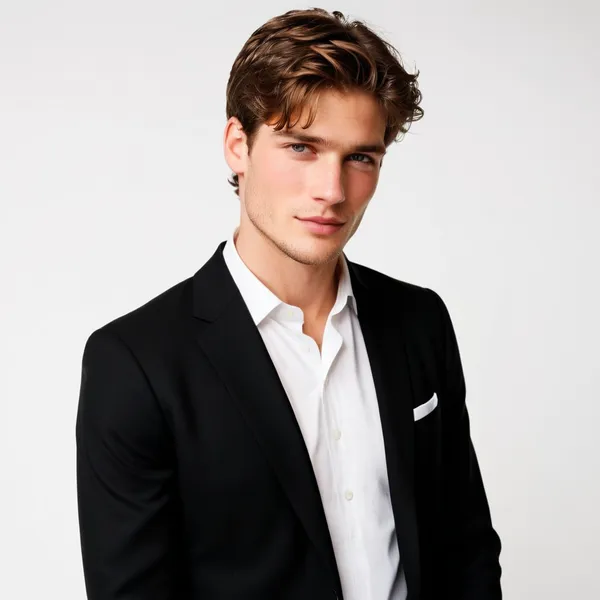
Your LinkedIn photo is often the first impression for recruiters and clients. An AI LinkedIn headshot generator gives you studio-clean portraits without a photoshoot — pick a professional style, use clear selfies, and download a profile-ready image.
Why it works
- Neutral or soft office backgrounds that read well at small avatar sizes
- Business attire looks (blazer, suit, smart casual) from our Professional catalog
- Identity-preserving generation so colleagues still recognize you
- Browse every style free; sign in only when you generate
Matching styles
Explore all Professional styles →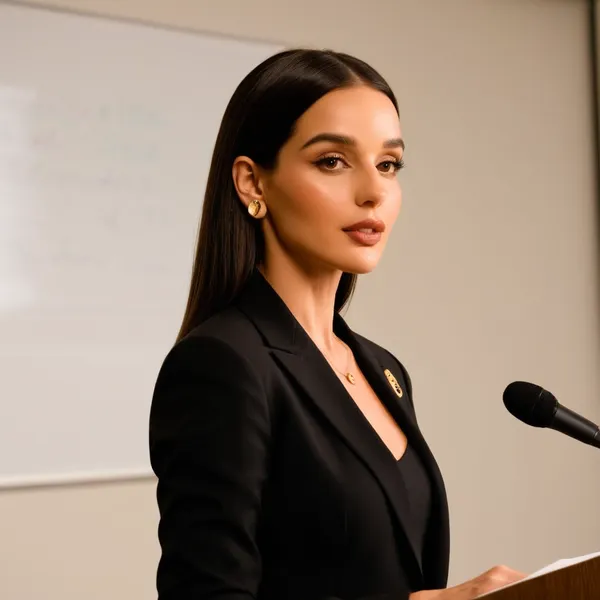
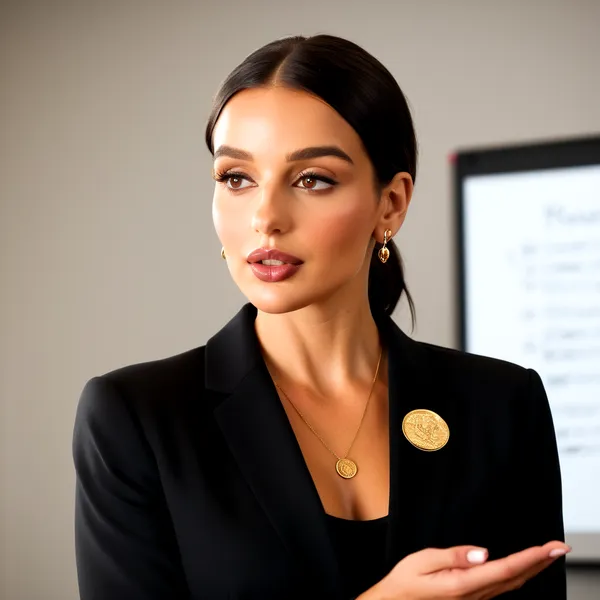
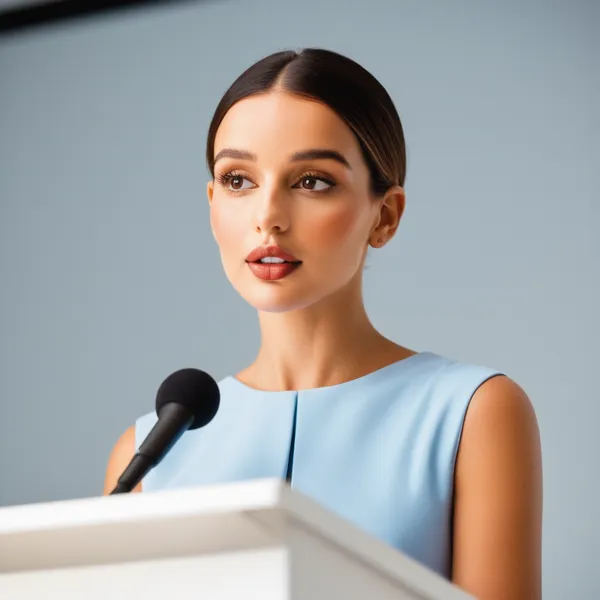
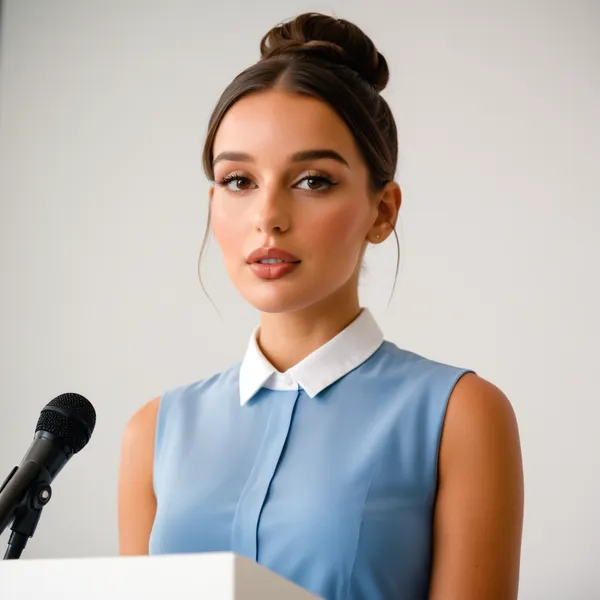
FAQ
- What makes a good LinkedIn headshot?
- A clear face, soft light, simple background, and professional clothing. Avoid heavy filters and group photos cropped to one person.
- Can I use AI headshots on LinkedIn?
- Yes — many professionals use AI-assisted portraits. Choose photorealistic styles and review results for accuracy before posting.
- Do I need an account to preview styles?
- No. Open the free generator, filter Professional styles, and preview local photos. Sign in only to generate.
See pricing, about, or return to the AI headshot generator home.